
01
Direct the scene
Write a shot list in plain language — subject, camera move, lighting, and audio cues for Wan 3.0.
Wan 3.0 is a next-gen AI video model for text-to-video and image-to-video. Generate native soundtracks, lock character consistency across frames, and direct multi-shot stories with multimodal references — built for creators who need production-ready Wan 3.0 video, not short demos.
Prompt
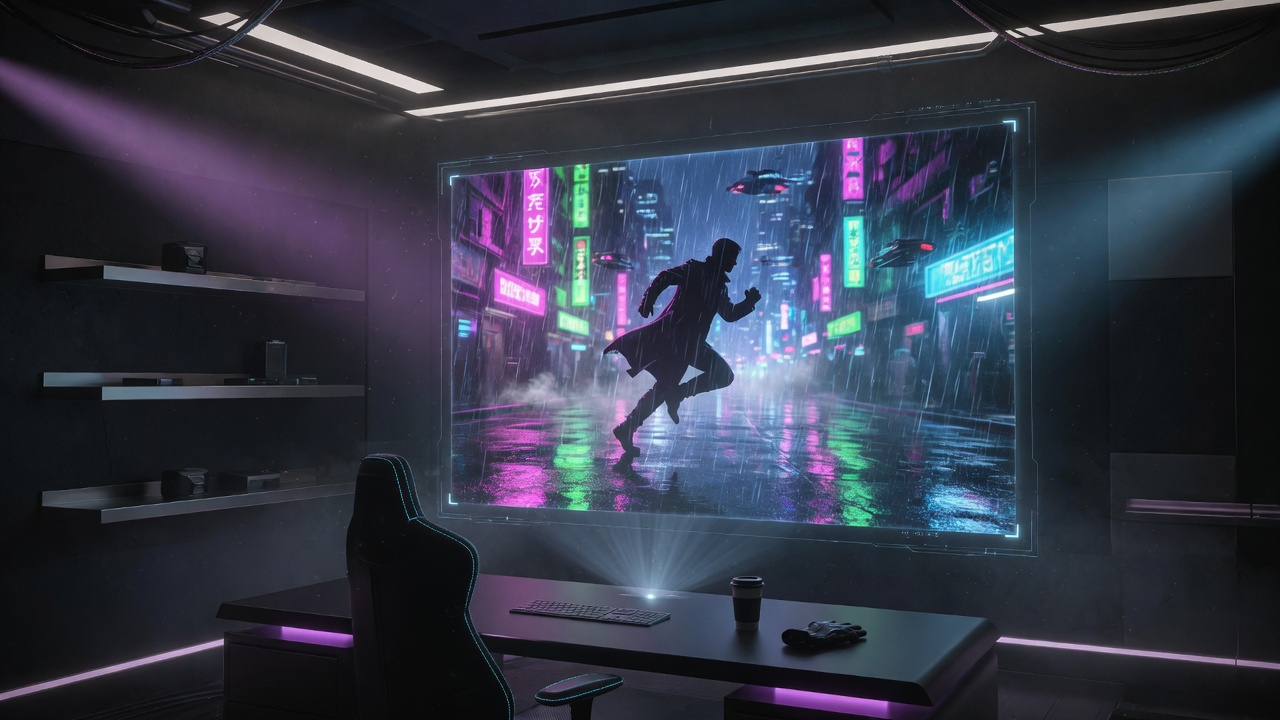
A courier sprints through neon rain, camera tracking low, then a hard cut to a rooftop standoff at golden hour.
Interactive demo of the Wan 3.0 AI workflow. Write a prompt, set duration and framing, then run a preview generation.
Create with Wan 3.0
Demo mode — no credits charged. Sign up for full-resolution exports.
Tip: include subject, action, camera, lighting, and an audio cue for stronger Wan 3.0 results.
Mode
Duration
Aspect ratio
Native audio
This is a UI demo of Wan 3.0. Full AI video generation unlocks after you create an account.
After you submit, generation status appears here.
Status
Ready
Your Wan 3.0 preview will appear here.
Ready
Waiting for a prompt
Local demo history for this browser session.
No demos yet. Generate your first Wan 3.0 preview.
To use Wan 3.0 online, write a cinematic prompt, add optional image or media references, choose duration and aspect ratio, then generate and review your AI video preview.
Describe subject, camera move, lighting, mood, and what should happen over time.
Optional image, video, or audio refs help Wan 3.0 AI lock identity and style.
Pick length up to 30s, aspect ratio, and whether native audio is enabled.
Render a Wan 3.0 video preview, then iterate the prompt or framing until it feels right.
Prompt formula
Subject + action + camera + lighting + audio cue + ending beat
A focused workflow for Wan 3.0 AI: describe the scene, attach references, set duration and framing, then export a clip ready for social, ads, or short film drafts.
Write a shot list in plain language — subject, camera move, lighting, and audio cues for Wan 3.0.
Drop in images, video, or audio so Wan 3 keeps faces, wardrobe, locations, and voice consistent.
Render up to 30s with optional native audio, then iterate framing or local edits without restarting from zero.
Wan 3.0 AI goes beyond short loops. Native length, reference-heavy control, and audio-on-by-default make it feel like a production tool — not a demo reel generator.
30s
Single-pass generation
A/V
Native soundtrack sync
Generate full Wan 3.0 video clips up to ~30 seconds in one pass — fewer stitched fragments, stronger narrative continuity.
Every Wan 3.0 clip can ship with a native audio track: dialogue energy, ambience, and score cues baked into the generation.
Guide character look, location, and voice with images, video, and audio together so Wan 3.0 AI stays on-brand across shots.
Lock 16:9, 9:16, 1:1, 4:3, or 3:4 — or let Wan 3.0 choose framing that matches your references, up to 1080p.
Whether you ship short-form ads or multi-shot storyboards, Wan 3.0 video keeps motion, identity, and audio aligned.
Draft multi-shot sequences with consistent characters and camera language in Wan 3.0.
Spin product hero videos and vertical hooks for Reels, TikTok, and paid social with Wan 3 AI.
Preview combat, exploration, and cinematic trailers with high-energy motion that Wan 3.0 handles well.
Turn lesson scripts into clear motion visuals with optional narration-style audio from Wan 3.0.
Dynamic fight & chase scenes
Multi-shot narrative flow
Native A/V sync tracks
Pricing
Subscribe for monthly Wan 3.0 video credits, or buy packs when you need a flexible top-up. One balance for the web workspace.
Try Seed Audio 1.0 with free signup credits. Perfect for testing prompts and short scenes.
The best annual choice for creators with ongoing audio needs.
The strongest value for teams that expect heavy audio generation.
Practical answers for creators using Wan 3.0 for AI video generation.
Open the AI video generator, draft a cinematic prompt, and preview what Wan 3.0 can do for your next story, ad, or product launch.